ERP core
The ERP core is the system of record beneath WorkOSync. It keeps your books balanced, your stock accurate and your payroll compliant, so the AI layer always has correct data to work from. Enter something once and it flows everywhere it belongs.
The engine under the hood is ERPNext, a mature open-source ERP running headless behind WorkOSync. Every module maps to an ERPNext DocType (Customer, Sales Invoice, Item, Journal Entry and so on); you get its proven accounting and inventory logic through a clean, GCC-focused interface without touching ERPNext directly. A banner at the top of every page tells you whether the workspace is connected to the live engine or showing demo data.
The document flow
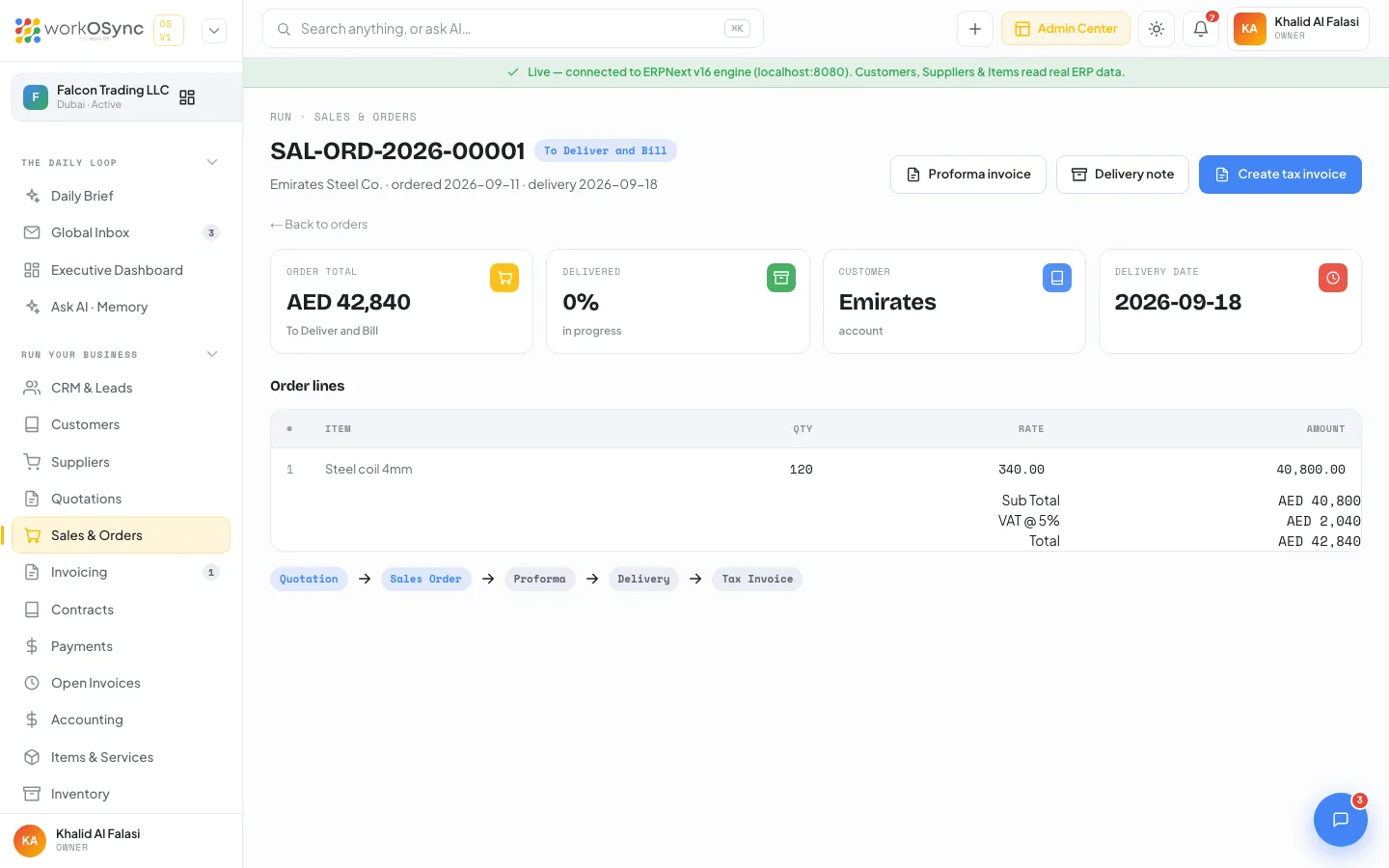
Selling moves in clean steps, and lines carry through each stage so you never re-type items as a deal progresses:
| Stage | Purpose | Guide |
|---|---|---|
| Lead | A prospect on the pipeline board, converted to a customer with one click. | CRM and leads |
| Quotation | A priced offer valid for a stated period, accepted online with an e-signature. | Quotations |
| Sales order | The confirmed order that drives fulfilment, with a proforma invoice for advance payment. | Sales orders |
| Tax invoice | The FTA document raised on supply, feeding VAT and the ledger, with a hosted pay link. | Invoicing |
| Payment | The receipt that settles the invoice and reduces the customer balance. | Payments |
Accounting and double-entry
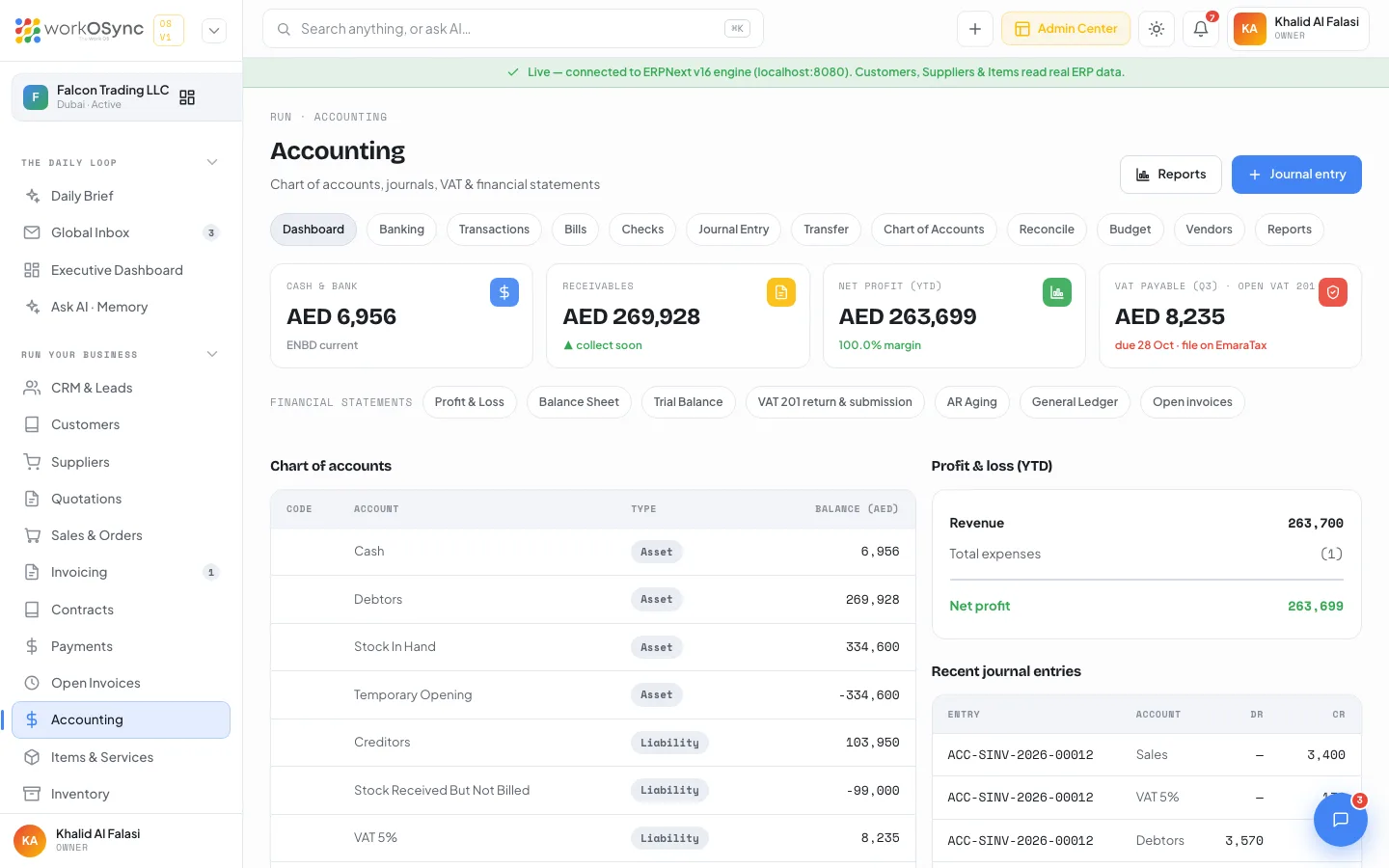
Every financial event posts as a balanced double-entry transaction, so debits always equal credits and your books stay correct by construction. WorkOSync ships a UAE-ready chart of accounts with cash and bank, receivables, VAT recoverable, stock, fixed assets, payables, VAT payable, capital, retained earnings, revenue and expense accounts that you can extend.
- Automatic postings from invoices, payments, bills and stock movements.
- Manual journal entries for adjustments, accruals and opening balances, with eight entry types.
- Banking, bills, checks, transfers, reconciliation and budgets.
- Financial statements: profit and loss, balance sheet, trial balance and the general ledger.
- Receivables ageing in current, 1 to 30, 31 to 60, 61 to 90 and 90+ day buckets.
Invoicing and FTA tax invoices
Invoices are true FTA tax invoices. Each carries your TRN, a sequential number, the supply date, a per-line description and the VAT amount shown separately from the net. VAT is applied at the standard 5 percent, credit notes reverse an invoice cleanly, and every invoice has a branded pay page the customer can open from an email or a link.
VAT 201 returns
Because every invoice, bill and credit note is tagged with its tax treatment and the customer's emirate, WorkOSync assembles the FTA VAT 201 return for any quarterly or monthly period: standard-rated supplies by emirate, reverse charge, zero-rated, exempt, imports, recoverable input tax and the net figure, with an EmaraTax entry sheet, workings and a reviewed-to-submitted workflow. See UAE compliance.
Items and inventory
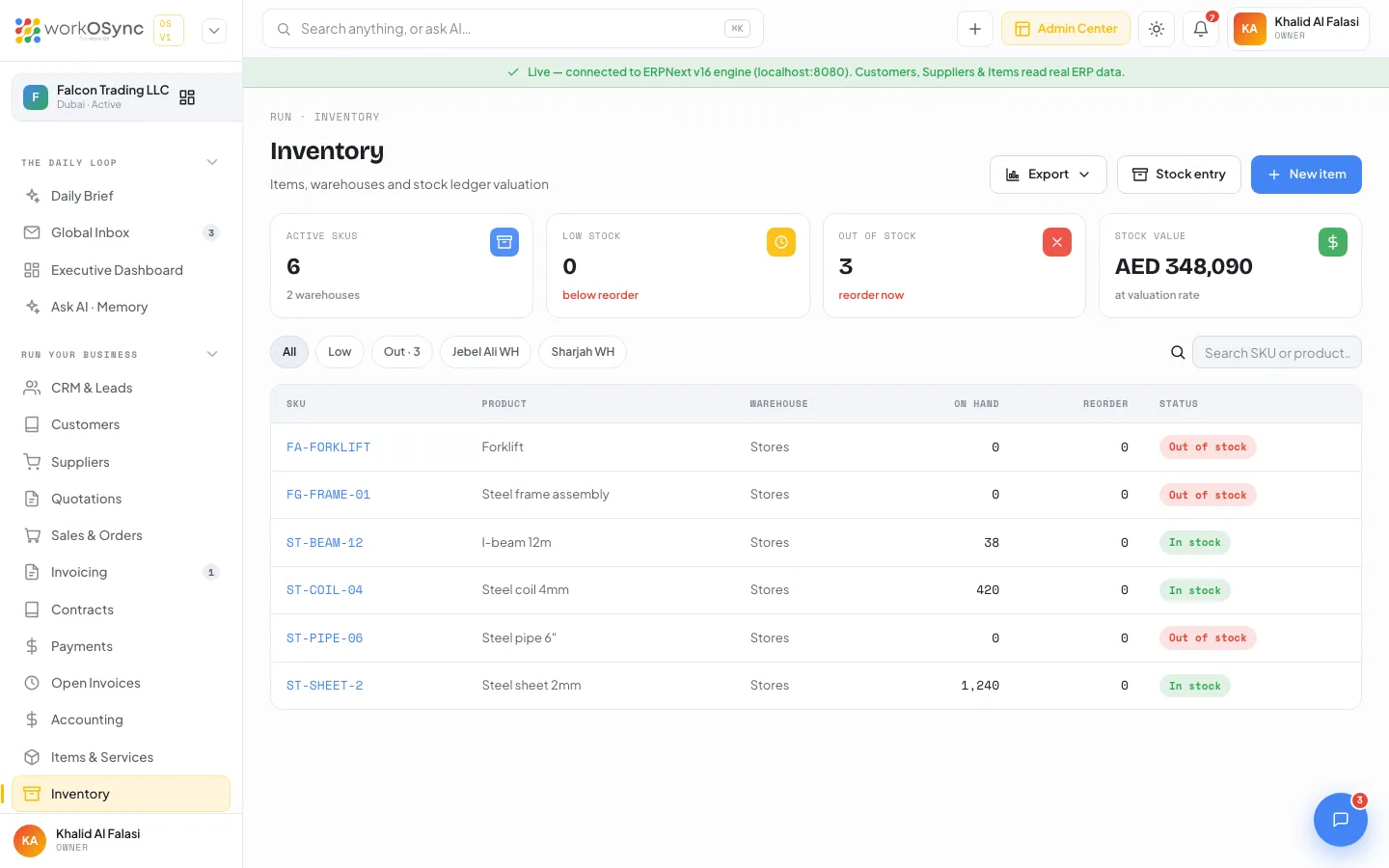
Items and services form your sellable catalogue and appear in the picker on every document. Stock-tracked items are held per warehouse with reorder levels, valuation and a movement ledger of receipts and deliveries, so the balance sheet reflects real stock.
HR and payroll
Keep employee records with a full profile, run monthly payroll and produce salary slips with basic, allowances, deductions and net pay. For the UAE the run is prepared for the Wage Protection System, the salary transfer channel banks require. See HR and payroll.
Manufacturing
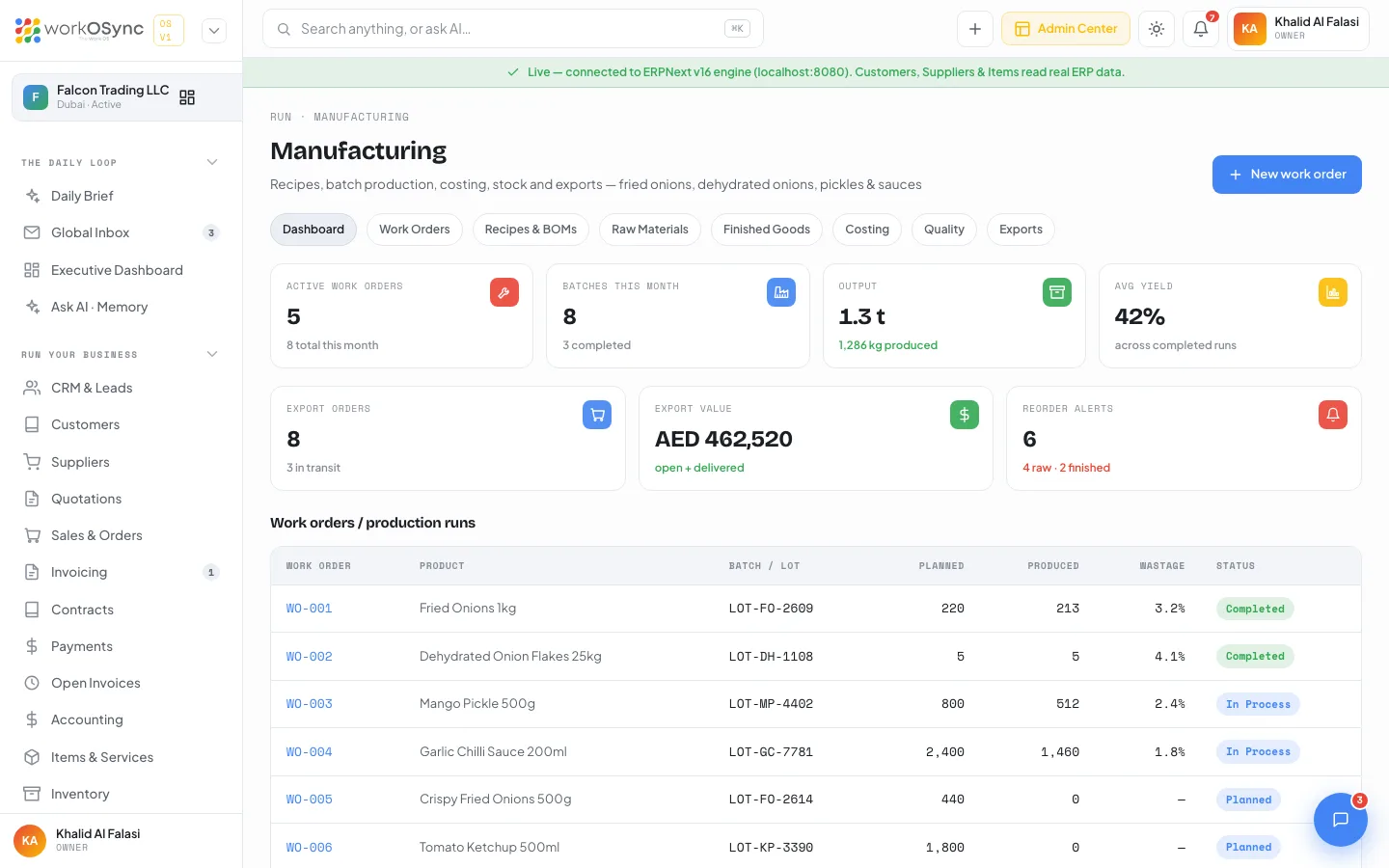
Define a recipe or bill of materials for each finished product, listing ingredients with quantities and costs, labour and overhead, and WorkOSync computes the batch cost and cost per unit. Release a work order to a production line, record produced quantity and wastage, check the batch against category quality specs and trace the lot from supplier to shipment. See Manufacturing.
Projects, contracts and assets
Projects carry budgets, progress, milestones, a task board and timesheets. Contracts hold agreements, retainers and AMCs with online signature and a renewal history. Fixed assets sit in a register by category and location. Each is covered in its module guide.
Reports
Fourteen financial, operational and tax reports run live on the engine, from receivables and payables ageing to gross profit, cash flow, stock balance and the VAT 201 submission, each with a QuickBooks equivalent named for people coming from that world. See Reports.
Every figure here is what the AI Work OS layer reads for the Daily Brief, the notifications bell, the business calendar and one-tap approvals. A correct ERP core is what makes the AI trustworthy.